This page is about the original Gold Mining Simulator and its Definitive Edition. Gold Mining Simulator by Code Horizon — not the Roblox Mining Simulator, and not the Google Play app by Cover Shoot Studio.
Small excavator
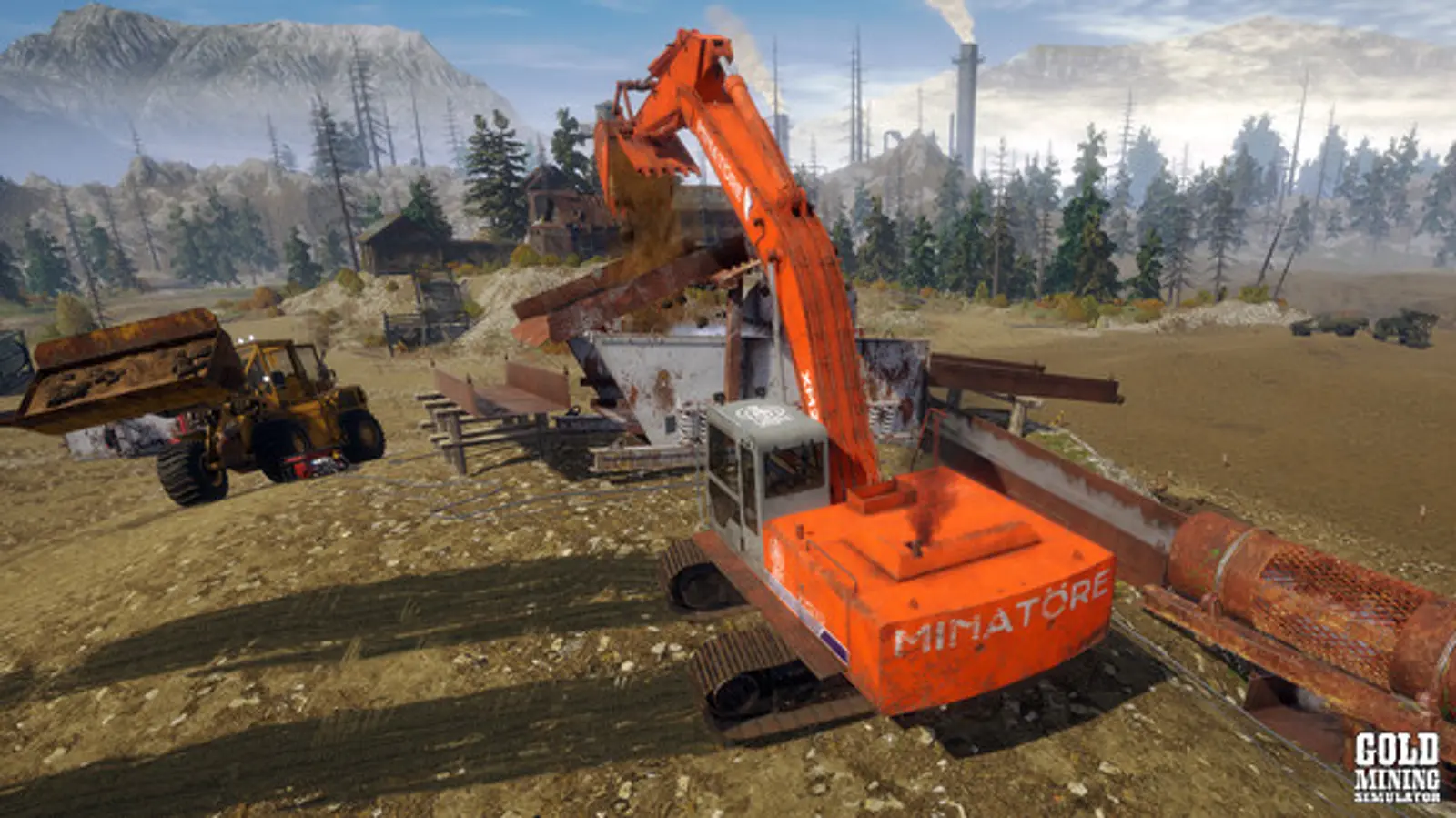
The small excavator (“small digger”) is the first digging machine most players buy: $15,136 on Normal at the Heavy Equipment Store. If it flips, launches or stops turning, the usual cause is an overfilled bucket or a collision that locked the arm — both covered below.
Last checked:
Small Excavator · at a glance
- Price (Normal · 1 source)
- $15,136 Easy $12,613 · Veteran $17,659
- Role
- primary digging machine for a starter claim
- Works with
- bucket, small trailer
- Known problems
- Bucket overfill makes the machine flip or launch; players also report the arm locking after a collision
3 reference pages, checked 2026-11-20. Same values as this item's row in the full table.
What the small excavator is for
It digs paydirt on a small claim, loads buckets or a dump truck, and clears overburden. It can be bought or rented; a rental can be delivered to your claim for an extra fee. Compared with the Big Excavator ($64,581) it is slower and holds less, but it is a quarter of the price and is enough to feed a hog pan or a Tier 2 plant. When you outgrow it, the big model and later the Huge Excavator from the Orange Beast DLC take over.
Why it flips over or gets launched
In the long-running Steam thread “Small Excavator bugged”, players and a moderator explain the cause: the bucket has a point where it counts as full. If you keep digging past it, the physics push back and the machine can tip over or be thrown. The fix is technique rather than settings — lift and empty the bucket as soon as it is full, and dig in shorter passes.
The Definitive Edition team tested the related problem of digging out the ground under the machine and, in their progress update, showed the excavator staying on the ground. That is a Definitive Edition change; in the 2017 game the old behaviour still applies.
Small digger is not turning
“Small digger is not turning” is one of the most searched problems for this machine, and there is no single published cause. Work through these in order:
- Arm locked after a collision. Players report the arm can stay extended and stop responding after hitting something. Transferring out and back in sometimes helps and sometimes makes it worse.
- Machine stuck on terrain or tilted. Use the map reset: open the map, select the machine’s icon and choose Reset. This is the general recovery for stuck vehicles.
- Controller dead zone. If only turning fails on a gamepad, try keyboard and mouse to rule out the controller.
Crashes when entering the small excavator are a separate problem; the troubleshooting page lists what is known.
Spare parts
Worn tracks and teeth are the parts you replace most. A mechanic can do repairs while you are elsewhere on the claim, charging the part price plus wages.
| Part | Price (Normal) |
|---|---|
| Excavator track | $555 |
| Excavator tooth | $80 |
| Reinforced track | $4,440 |
Warehouse spare parts for excavators, Normal difficulty, from the community price list.
Frequently asked questions
How much is the small excavator?
Why does my small excavator keep flipping?
How do I reset a stuck excavator?
Sources
- Gold Rush: The Game wiki (Fandom) — Heavy Equipment Store price list — last checked 2026-11-19
- Gold Rush: The Game wiki (Fandom) — Warehouse items — last checked 2026-11-19
- Steam discussion — Small Excavator bugged — last checked 2026-11-20
- Steam discussion — Excavator arm stuck extended — last checked 2026-11-20
- Steam discussion — Getting stuck? (map reset) — last checked 2026-11-20
- Steam discussion — Truck stuck (reset from the map) — last checked 2026-11-20
- Steam news — Definitive Edition progress update (terrain test) — last checked 2026-11-20
- Steam discussion — Returning a rental? — last checked 2026-11-20
- YouTube — Gold Rush: The Game How to Reset A Stuck Truck! (MrJuicebags) — last checked 2026-11-19